Your Spam Filter Is Eating Your Data Plan — And Nobody's Talking About It
You signed up for a 5GB data plan. You don't stream video on your commute, you connect to Wi-Fi whenever you can, and you keep a close eye on your usage bar. So why does your data seem to disappear faster than it should?
Here's a culprit you probably haven't considered: your spam protection setup.
Between third-party call-blocking apps, your carrier's built-in anti-spam tools, and the background processes your phone runs just to screen incoming calls, a surprising amount of mobile data gets quietly consumed — none of it doing anything you actually asked for.
What's Actually Happening When a Call Gets Flagged
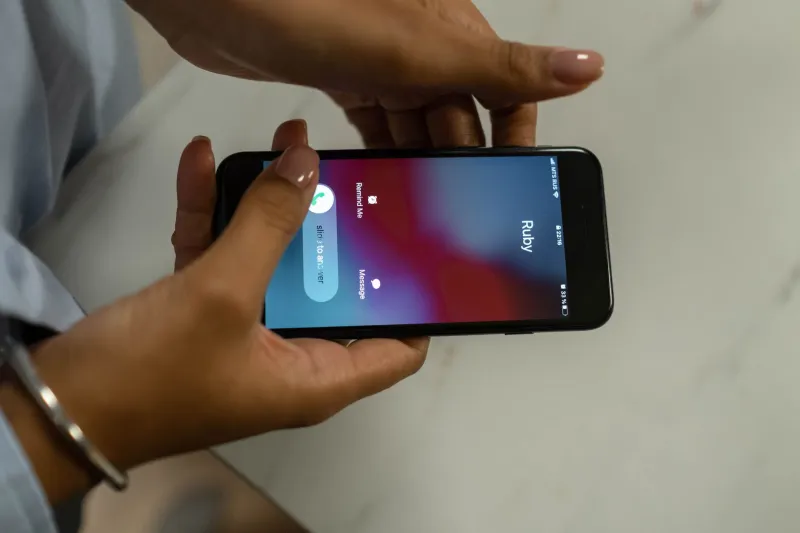
When a call hits your phone and gets labeled "Spam Risk" or "Scam Likely," that label doesn't appear by magic. Your device — or your carrier's network — has just cross-referenced that incoming number against a database. Depending on how your protection is set up, that lookup might happen locally on your phone, on a remote server, or both.
The local-only approach uses minimal data. But most modern call-blocking apps don't rely solely on local data. Their spam databases are constantly evolving — new robocall numbers get added by the millions every week — so the app needs to stay in sync with a cloud-based server to stay effective.
That sync process runs in the background, often on a schedule you never set and can't easily see. Depending on the app, it might push small updates every few hours or pull a full database refresh once a day. Either way, it's using your data to do it.
The Apps Doing the Most Background Work
Popular third-party call-blocking apps like Robokiller, Nomorobo, and Hiya all maintain live, cloud-synced spam databases. That's actually what makes them good at their jobs — they're pulling from massive, real-time datasets that get smarter as more people report bad numbers.
But that intelligence comes at a cost. These apps typically run background services that:
- Sync updated number blacklists on a rolling basis
- Upload anonymized call metadata to improve their detection models
- Check incoming numbers in real time against remote servers when a call arrives
- Download behavioral pattern updates tied to new scam campaigns
None of these processes are massive data hogs individually. We're talking kilobytes per transaction, not megabytes. But if you're getting 20 to 30 spam call attempts per day — which is increasingly common in 2024 — those real-time lookups start to add up. Throw in regular database syncs and background reporting, and some users on tight data plans could be burning through an extra 50 to 150MB per month just on spam protection overhead.
That might not sound like much, but if you're on a 2GB or 3GB plan, that's a meaningful chunk.
Your Carrier Is Doing It Too
Here's the part that surprises most people: even if you don't have a single third-party app installed, your carrier is still running spam detection infrastructure that touches your data.
Major US carriers — AT&T, Verizon, T-Mobile — all have their own spam-labeling systems baked into their networks. AT&T's Call Protect, Verizon's Call Filter, and T-Mobile's Scam Shield each use a combination of network-level filtering and device-side apps to flag suspicious calls.
The network-level filtering happens before the call even reaches your phone, so that part doesn't use your device's data. But the companion apps these carriers push — the ones that show you call labels, manage block lists, and display spam scores — those do run background data processes, especially if you have the premium versions enabled.
Verizon's Call Filter app, for example, syncs your personal block list to the cloud and pulls updated spam scores for incoming numbers. T-Mobile's Scam Shield app similarly communicates with backend servers to keep its detection current. It's not a ton of data, but it's real, and it's ongoing.
How to Find Out If This Is Affecting You
Most people have no idea how much data their call-screening setup is using because it doesn't show up anywhere obvious. Here's how to actually check:
On iPhone: Go to Settings → Cellular. Scroll down and you'll see a breakdown of data usage by app. Look for your call-blocking app or your carrier's app in the list. If it's pulling more than a few MB per month, it's worth paying attention to.
On Android: Go to Settings → Network & Internet → Data Usage → App Data Usage. Same idea — find your call-blocking or carrier app and see what it's consuming.
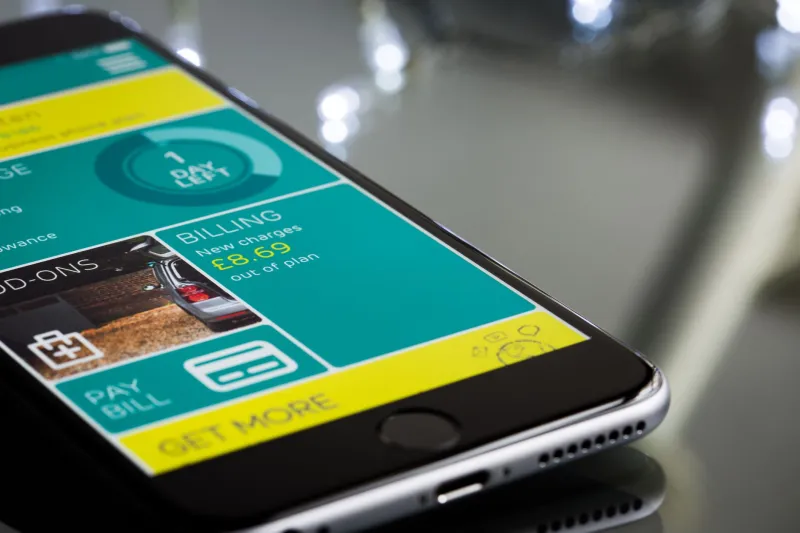
You can also check your carrier's data usage dashboard through their app or website. Some carriers break down data by category, which can help you spot unusual background usage.
Practical Ways to Cut the Hidden Cost
You don't have to choose between protecting yourself from robocalls and keeping your data usage in check. A few smart adjustments can get you both.
Restrict background data for call-blocking apps. On both iPhone and Android, you can limit an app's ability to use cellular data in the background. The app will still work when you're actively using it, but it won't quietly sync while you're not looking. Just know this may slightly delay database updates.
Schedule syncs for Wi-Fi only. Many call-blocking apps have a setting that lets you restrict background data to Wi-Fi connections only. This is usually buried in the app's settings under something like "Data Preferences" or "Sync Settings." Enable it.
Use network-level filtering as your primary layer. Your carrier's network-level spam filtering — the stuff that happens before the call reaches your phone — doesn't use your device data at all. Leaning on that as your first line of defense and using a lightweight app as a backup can reduce your overall data footprint.
Audit your apps. If you've got multiple call-blocking apps running simultaneously, you might be doubling up on background data usage without getting meaningfully better protection. Pick one solid app and stick with it.
Check for app update frequency settings. Some apps let you choose how often they sync their database — hourly, daily, weekly. If you're on a limited plan, switching from hourly to daily updates can meaningfully reduce your data consumption without leaving you significantly more exposed.
The Bottom Line
Spam call protection is worth having — nobody's arguing that. But it's not a passive, zero-cost feature. There's real data being consumed to keep those filters running, and for people on limited plans, that cost is worth understanding and managing.
The good news is that a little visibility goes a long way here. Once you know where to look, you can tune your setup to stay protected without quietly bleeding data every time a robocaller tries their luck with your number. And in a world where those attempts are happening dozens of times a day, that tuning can actually make a real difference on your monthly bill.